Help Getting started

Set up your wood and its emergency plan

Where you meet, how an ambulance finds you, and the daily check you walk before the children arrive

Your wood is the first thing the app asks for, because everything else happens in it. Give it a pin on the map, a grid reference and a what3words address, and every leader has the words for a 999 call. Write the emergency action plan once (nearest A&E, vehicle access, the recall signal, where the first aid kit lives) and it is readable in the wood with no signal, from the session's More menu. The daily check comes ready with the standard seven lines and takes your own, and a running survey of the things you watch (that leaning beech, the pond) shows up on the day by name.
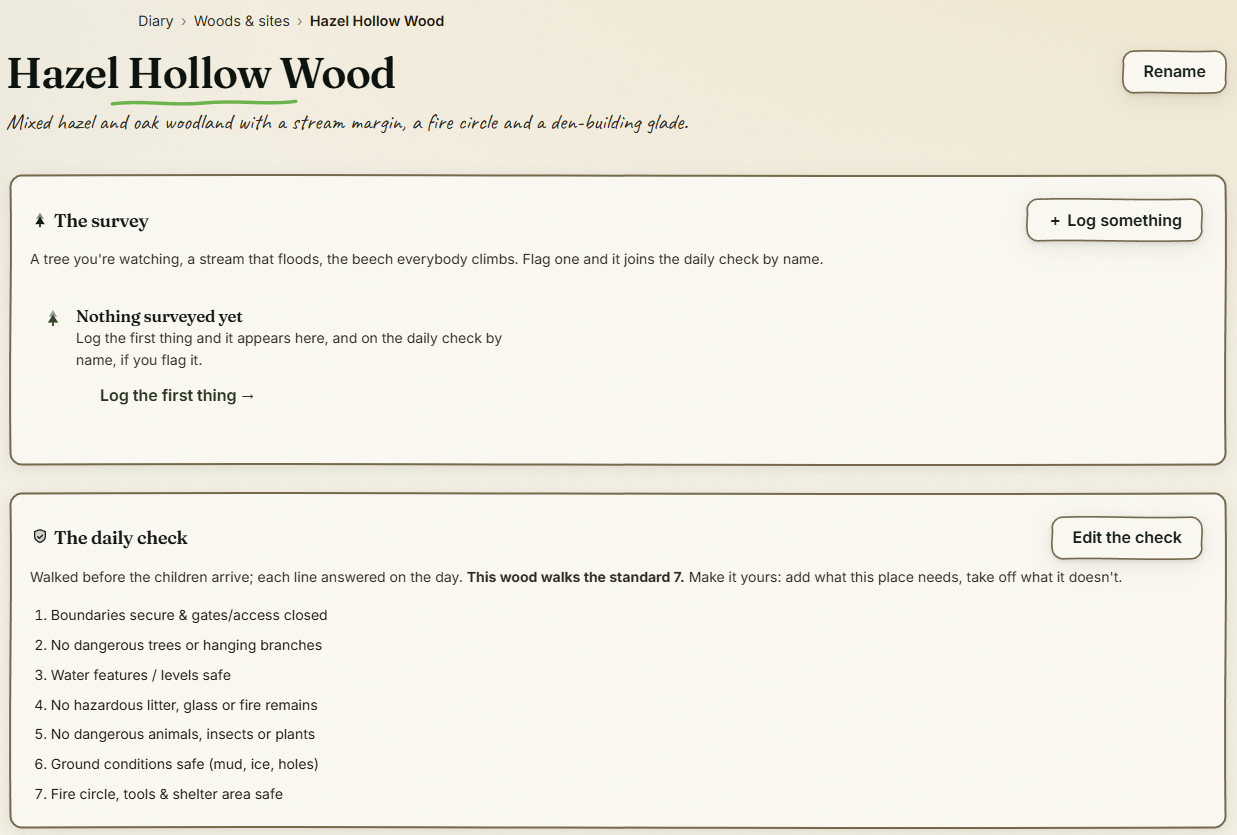
The wood's page: the survey and the daily check

The step-by-step guide is in the app

To use this in your own forest school, create a free account. The full walkthrough, with every screen, is waiting inside.

This is how it works in the Forest School app. Start free, or see all help articles.

An unhandled error has occurred. Reload 🗙

Rejoining the server...

Rejoin failed... trying again in seconds.

Failed to rejoin.
Please retry or reload the page.

The session has been paused by the server.

Failed to resume the session.
Please retry or reload the page.