Help Getting started

Add the attendees

One at a time, or all at once from the spreadsheet you already have, with medical notes and photo consent

Every attendee has one record: who they are, what people need to know to support them, who to call, and what has been consented to. Add them one at a time, paste in the spreadsheet you already have, or let families add themselves by booking online. The register, observations, reports and the camera all read from that one record, so a "no photos" tick made on a Tuesday is respected on a phone in the wood on Thursday.
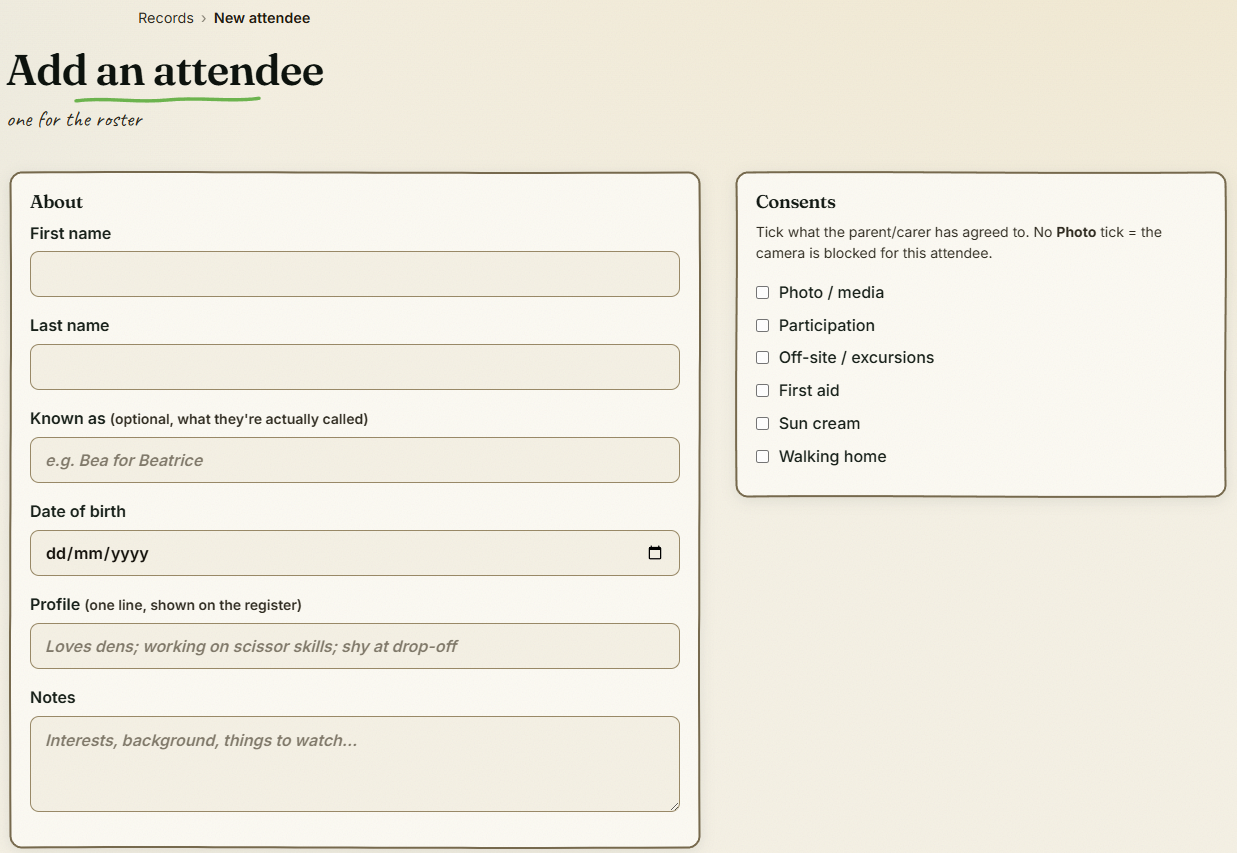
Adding an attendee, with the consents card

The step-by-step guide is in the app

To use this in your own forest school, create a free account. The full walkthrough, with every screen, is waiting inside.

This is how it works in the Forest School app. Start free, or see all help articles.

An unhandled error has occurred. Reload 🗙

Rejoining the server...

Rejoin failed... trying again in seconds.

Failed to rejoin.
Please retry or reload the page.

The session has been paused by the server.

Failed to resume the session.
Please retry or reload the page.