Help Getting started

Add your team

Leaders, assistants and volunteers, what each role can do, and the difference between a helper and someone who signs in

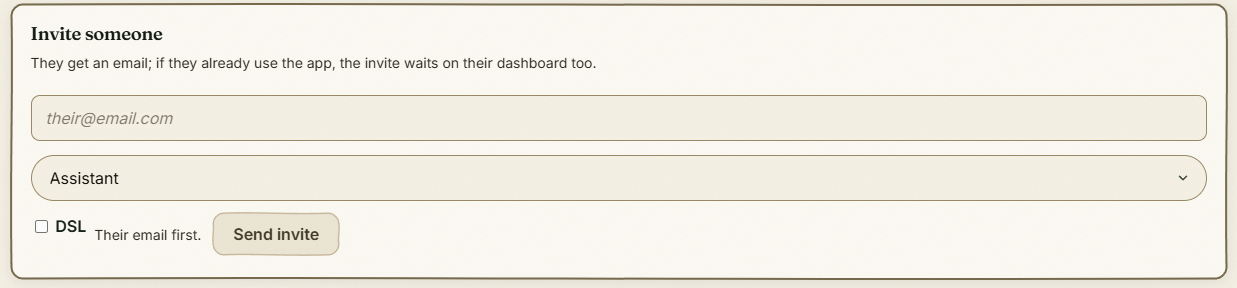
Leaders, assistants, volunteers and the parent who helps on Thursdays all live in one place, each with a role that says what they can see and do. Invite anyone by email and they carry their own DBS, first aid and qualifications with them to every forest school they work with, so certificates are never typed in twice and the dashboard tells you when one is due. Helpers who never sign in are on the register too, with your own vetting record beside them. Volunteers are free on every plan.

Inviting someone to your team

The step-by-step guide is in the app

To use this in your own forest school, create a free account. The full walkthrough, with every screen, is waiting inside.

This is how it works in the Forest School app. Start free, or see all help articles.

An unhandled error has occurred. Reload 🗙

Rejoining the server...

Rejoin failed... trying again in seconds.

Failed to rejoin.
Please retry or reload the page.

The session has been paused by the server.

Failed to resume the session.
Please retry or reload the page.