Help Attendees

Give families access

Your join code, the requests it brings in, and what a connected person can see and do

People who book online are connected to the record from the start. Everyone else joins with your join code, and you approve each request. A connected person keeps their child's medical details, contacts and consents up to date themselves, sees their bookings, and reads the observations and photos you choose to share. They never see other children.
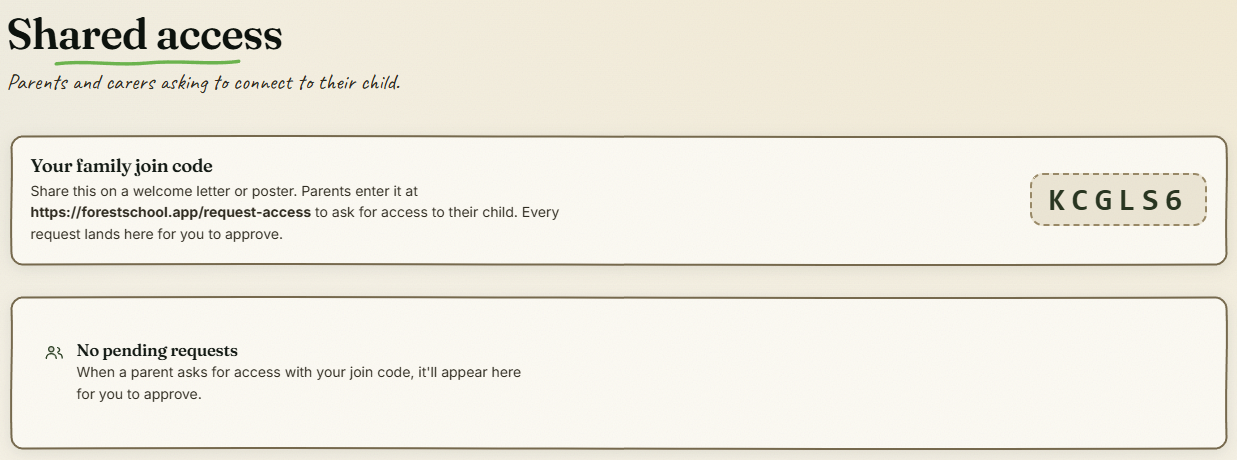
Shared access: the family join code and the requests it brings in

The step-by-step guide is in the app

To use this in your own forest school, create a free account. The full walkthrough, with every screen, is waiting inside.

This is how it works in the Forest School app. Start free, or see all help articles.

An unhandled error has occurred. Reload 🗙

Rejoining the server...

Rejoin failed... trying again in seconds.

Failed to rejoin.
Please retry or reload the page.

The session has been paused by the server.

Failed to resume the session.
Please retry or reload the page.